Privacy-first mobile app analytics & engagement
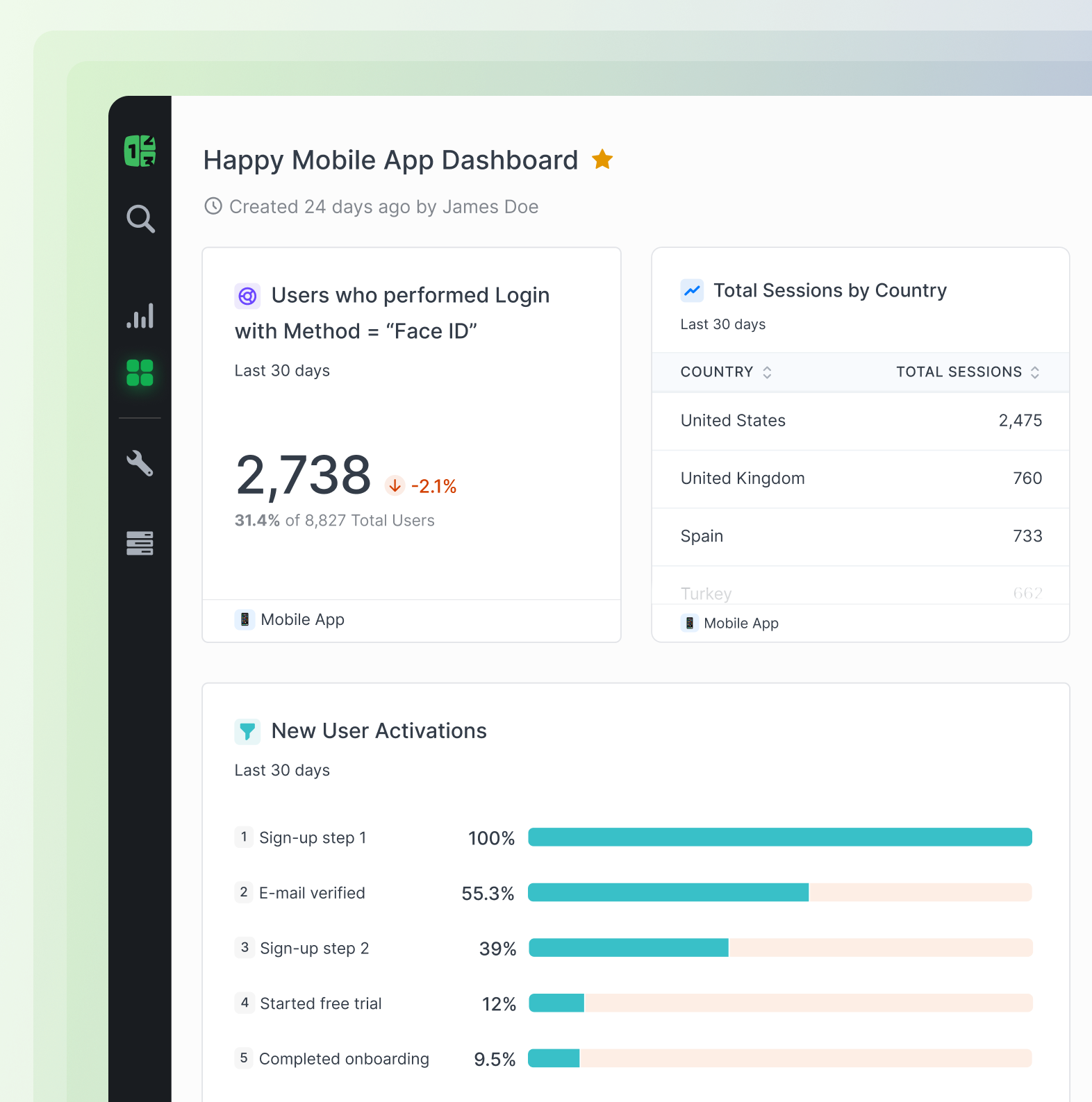
Why choose Countly for mobile analytics?

Full data control & privacy by design

Scalable & extensible

Omnichannel Unity

AI-ready data foundation


Why choose Countly for mobile analytics?
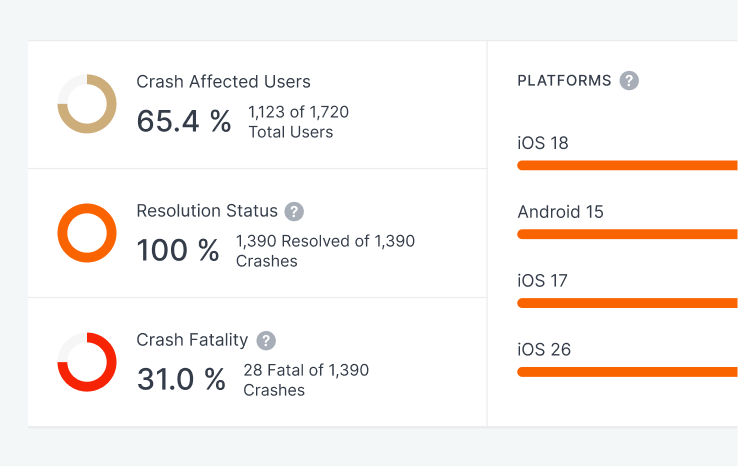
Crash & performance analytics
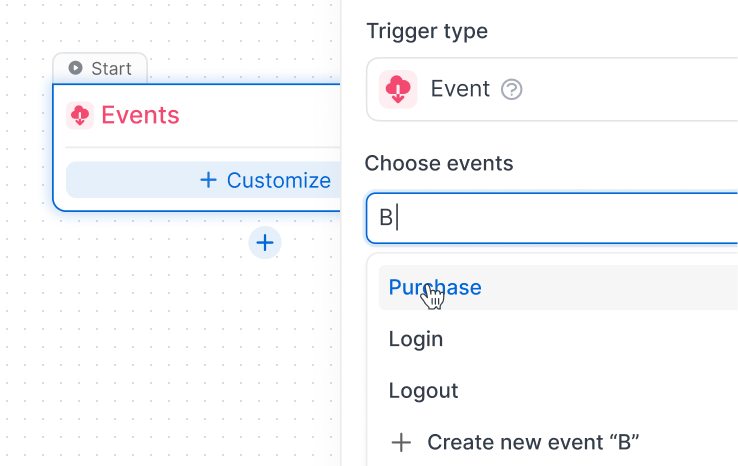
Journeys & in-app messaging
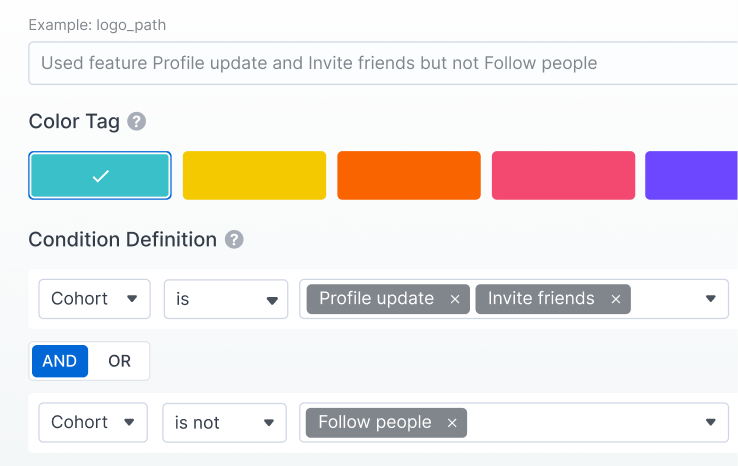
Personalization & remote config
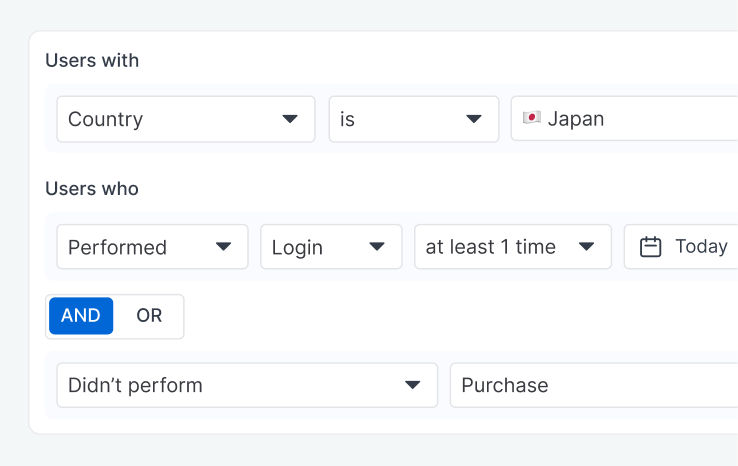
Behavioral cohorts & retention
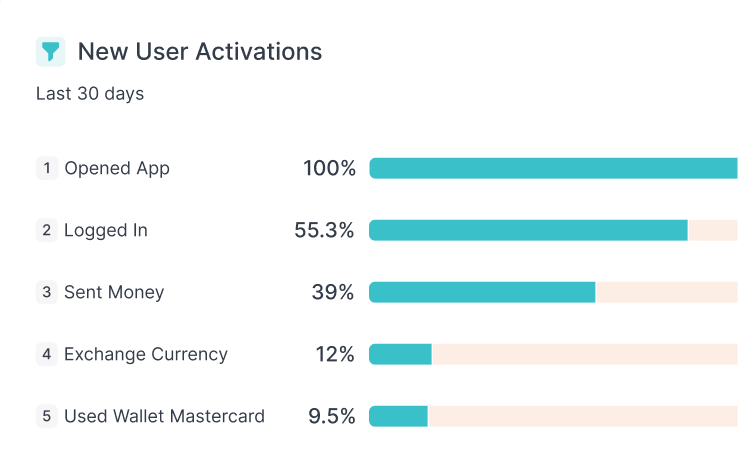
Funnels & flows
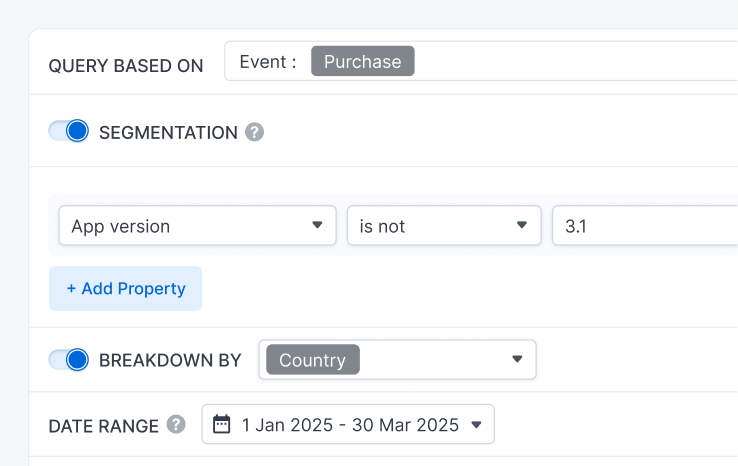
Advanced segmentation & drill
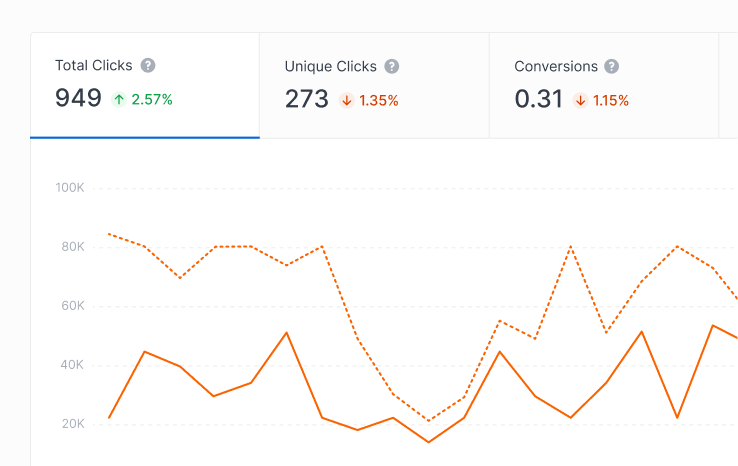
Attribution & acquisition
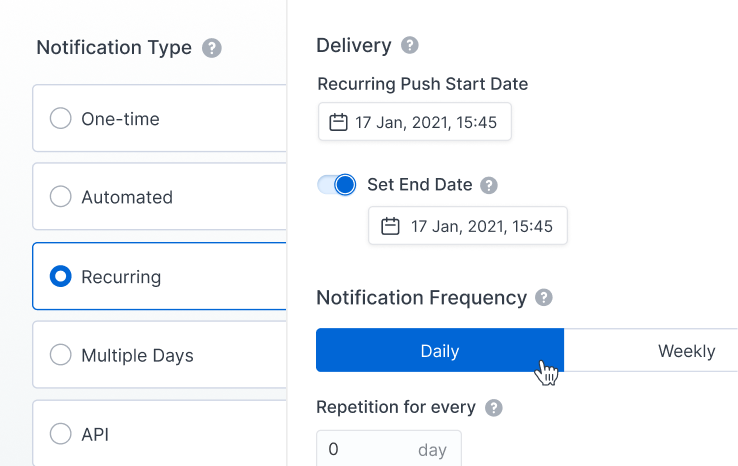
Engagement tools
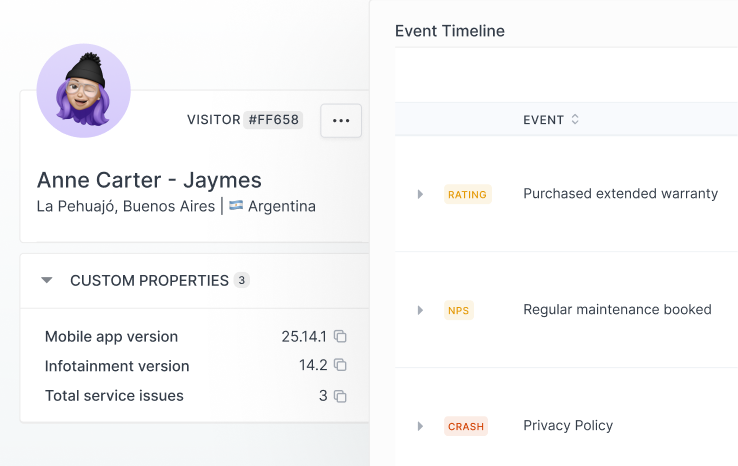
Device & OS intelligence
Straight-forward and comprehensive integrations


.svg)


Frequently asked questions
What is mobile app analytics?
Mobile app analytics is the collection and analysis of behavioral and technical data from mobile applications. It helps product teams understand how users navigate an app, which features they use, where they encounter friction, what drives retention, and how application performance affects the user experience.
What does Countly track in mobile apps?
Countly can track sessions, events, screens and views, user properties, journeys, funnels, retention, device information, and application crashes. Teams can use this data to understand individual and aggregate user behavior and identify opportunities to improve the mobile experience.
Which mobile SDKs does Countly support?
Countly provides SDKs for major mobile development environments, including iOS, Android, React Native, and Flutter. Supported capabilities vary by SDK and can include analytics, user profiles, journeys, push notifications, crash reporting, experimentation, and feedback.
Can Countly send push notifications based on behavior?
Yes. Countly can use behavioral data and user segments to target push notifications, allowing teams to engage relevant audiences based on how they interact with a product. Push notification support includes iOS, Android, and Huawei devices through their respective notification services.
Can Countly analyze crashes?
Yes. Countly can collect and analyze fatal and non-fatal crashes in mobile applications. Teams can investigate issues by factors such as operating system, device, and app version, monitor application stability, and use real-time crash reporting to identify problems affecting the user experience.